Imagine you’re a detective, and you want to find out everything about a website, just like finding clues in a mystery game. We’re going to learn how to discover where a website was born, where it lives, and all the cool tools it uses to look awesome and work smoothly. Let’s start our adventure and become website detectives! learning how to find out all sorts of things about websites – how our guide knows about websites
Find Registrars
Registrars are like the town halls for websites. When someone creates a website, they go to a registrar to say, “Hey, I want to call my website” and the registrar makes sure no one else has that name. Knowing the registrar helps us find out who first made the website and when they did it. It’s like knowing where a person was born.
Who.is helps you to find the information about the domain name server website details etc.
CMS details
Technically
In the digital world, keywords are more than just words; they are tools that connect your content with your audience. They play a pivotal role in SEO (Search Engine Optimization), helping your content to be found by the right people at the right time.
User Intent
Think of keywords as the bridge that connects your writing to the people who are looking for it. For instance, if you’re writing a blog post about homemade pizza, using keywords like “easy homemade pizza recipe” helps people who want to make pizza at home find your post. Without these keywords, your amazing pizza recipe might get lost in the vast world of the internet. Keywords help your content get noticed and read by the right people.
The Role of Keywords in SEO
Technically
SEO revolves around keywords. These are the markers that search engines use to understand and rank content. A well-optimized piece with the right keywords will rank higher, leading to more visibility and engagement.
User Intent
Keywords are super important in SEO, which is like a game of matching your content with what people are searching for. Let’s say you have a website selling handmade candles. If you use keywords like “handmade scented candles,” when people search for this, your website has a better chance of showing up in the search results. It’s like telling search engines, “Hey, this is what my site is all about.”
A. Different Types of Keywords
A1. Short-tail Keywords
Technically
These are broad and often highly competitive keywords, typically consisting of one or two words.
User Intent
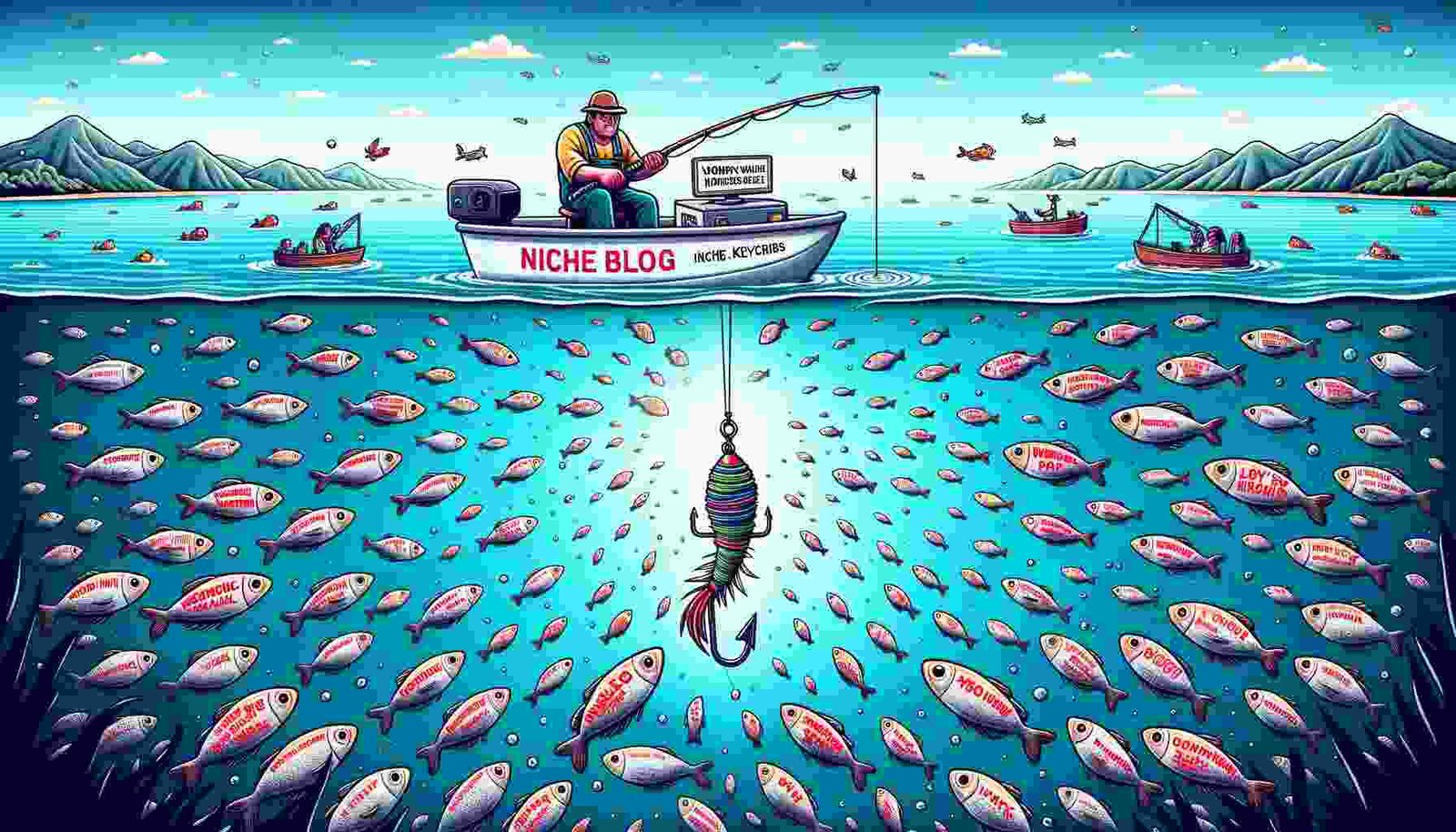
These are broad, general keywords, often just one or two words. Think “shoes” or “gardening.” They’re like casting a wide net, trying to catch a lot of fish, but you might not get the exact ones you want.
A2. Long-tail Keywords
Technically
More specific and usually longer phrases that are less competitive and more targeted.
User Intent
These are longer and more specific, like “women’s waterproof hiking shoes.” They’re like fishing with a specific bait to catch a particular kind of fish. You might catch fewer, but they’re exactly what you want.
A3. Branded Keywords
Technically
In short, indexing is a very important step in understanding how search engines organize information. After crawling web pages, search engines index catalogues and store the information they collect about what information is on the web page.
This process allows search engines to quickly find relevant information when users ask questions. Effective indexing is the key to ensuring that content is visible and accessible in search engine results. Understanding and optimizing indexing can significantly enhance a website’s online presence.
User Intent
These include a brand name, like “Nike running shoes.” If you’re a fan of Nike, you’ll likely use this keyword to find exactly what you’re looking for.
B. Keyword Intent
B1. Informational
Technically
Used when users are searching for information.
User Intent
Used when you’re just looking for info. For example, “how to tie a tie” – you’re not looking to buy, just to learn.
B2. Navigational
Technically
User Intent
When you want to find a specific site or page. Like typing “Facebook login” – you know where you want to go.
B3. Transactional
Technically
Keywords are used when users are ready to make a purchase or take another specific action.
User Intent
These are used when you’re ready to buy or do something specific. If you type “buy iPhone 12,” it’s clear you’re looking to purchase.
C. Effective Use of Keywords
C1. Where to Place Keywords in Your Content
Technically
The strategic placement of keywords in your content is crucial. This includes the title, headings, opening paragraph, body, and conclusion.
User Intent
Placement is key. Your main keyword should be in the title, like “10 Best Coffee Shops in New York.” It should appear in the first paragraph, a few times in the main body, and in the conclusion. Think of it as leaving breadcrumbs throughout your content, so search engines and readers know what your content is about.
C2. Keyword Density: Striking the Right Balance
Technically
Maintaining an optimal keyword density ensures that your content is SEO-friendly without being penalized for keyword stuffing. A general rule is to maintain a keyword density of 1-2%.
User Intent
Keyword density is like salt in cooking – the right amount makes a dish perfect, but too much ruins it. If your blog post has 1,000 words, using your keyword 10 times (1% density) is good. Overdoing it makes your writing awkward and can get you penalized by search engines.
Or
Keyword density is all about not going overboard. It’s like adding sugar to your coffee – too little and you won’t taste it, too much and it’s undrinkable. A good rule of thumb is to use your keyword once every 100-150 words. This keeps things natural. If you write a 1000-word article, your keyword should pop up around 7-10 times. But remember, it’s not just about counting words. Your writing should still sound natural and engaging.
D. Tools for Keyword Research
Now, onto some cool tools that can help you find the right keywords. It’s a bit like having a treasure map, where X marks the spot for the best keywords.
D1. Google Keyword Planner
Technically
A free tool for finding keywords related to your niche.
User Intent
As we know, Google Keyword Planner is a great tool for paid-per-click keyword research, and it’s free too – no matter if you’re running Google Ads or not. You don’t have to worry about any kind of upgrade.
There are a lot of features here, but the two main ones are: keyword exploration to uncover new opportunities and in-depth research to analyze and forecast search volume.
All you have to do is enter your “keyword ideas” term, and you will see Google Keyword Planner generating relevant keyword suggestions, including information on monthly search volume, trends, competition, ad impressions, and bid ranges. You can choose your own keywords or refine your list by using brand-specific terms, website sources, and filters. If you’re using Google Ads, the “Forecast” feature helps you plan strategically and allocate all your ad budgets in advance.
Beyond paid campaigns, Keyword Planner can also boost your organic SEO efforts by identifying areas where ranking naturally reduces your cost-per-click.
Or
Perhaps the most widely used keyword tool, Google Keyword Planner is part of Google Ads, but you can use it for free—even without running ads. It provides data directly from Google, so you know the results are accurate and reliable.
Pros:
- Access to Google’s vast database of keyword data.
- Provides insights into search volume and competition level.
- Easy integration with Google Ads if you want to run campaigns.
Cons:
- Limited to advertisers; you need a Google Ads account to access it.
- Lacks advanced features like keyword difficulty scores.
D2. SEMrush
Technically
Think of it as a spyglass to see what keywords your competitors are using and how you can outdo them.
User Intent
SEMrush is a fantastic tool for those who want an all-in-one digital marketing solution. If you’re heavily invested in SEO and content marketing, the depth of data SEMrush provides is hard to beat. It’s particularly valuable for businesses looking to stay ahead of the competition by conducting in-depth competitor analysis.
However, if you’re a small business owner or freelancer with a tight budget, SEMrush’s pricing might be a significant hurdle. Similarly, if you’re new to SEO, the platform’s wide array of features may feel overwhelming at first.
Pros and Cons of SEMrush:
Pros:
- All-in-One Platform: SEMrush combines SEO, PPC, content marketing, and social media tracking tools in one platform, making it a convenient solution for digital marketers.
- Accurate Data: It offers highly reliable, up-to-date data for keyword research, backlink analysis, and site audits.
- Competitor Analysis: Provides in-depth insights into your competitors’ keywords, backlinks, and overall SEO strategies, helping you stay competitive.
- User-Friendly Interface: Despite its feature set, SEMrush maintains a clean, intuitive interface that simplifies navigation for users of all experience levels.
- Customizable Reports: You can generate white-label reports tailored to clients, which is a huge plus for agencies needing professional, customized outputs.
- Frequent Updates: SEMrush regularly updates its platform with new features and improvements, ensuring you’re using the latest tools for SEO.
Cons:
- Pricing: SEMrush can be expensive, with pricing starting at $119.95 per month, which may be too costly for freelancers and small businesses.
- Steep Learning Curve: The platform’s extensive features can feel overwhelming for beginners, requiring time to master.
- Limited Access in Lower Plans: Lower-tier plans restrict access to some features, reports, and the number of projects you can track.
- Data Sampling: Some data, such as traffic analytics, is sampled, which might reduce accuracy for larger websites or competitive industries.
- Limited Social Media Insights: While SEMrush has social media tracking, it doesn’t offer the same depth of features as dedicated social media tools.
D3. Ahrefs
Technically
Known for its detailed keyword reports and SEO health checks.
User Intent
Think of Ahrefs as your keyword detective. It digs deep, giving you detailed insights about keyword difficulty, search volume, and even the top-ranking pages for those keywords. It’s perfect for when you’re ready to take your keyword game to the next level.
Pros and Cons of Ahrefs:
Pros:
- Comprehensive Backlink Analysis: Ahrefs is renowned for its industry-leading backlink analysis, offering detailed insights into your own and competitors’ backlink profiles.
- User-Friendly Interface: Despite being a powerful tool, Ahrefs has a clean, intuitive interface that makes navigating its features simple, even for beginners.
- Accurate Keyword Data: Ahrefs provides precise keyword research data, including search volume, keyword difficulty, and click metrics, giving a clear picture of SEO potential.
- Site Explorer: Ahrefs’ Site Explorer tool allows you to analyze the organic traffic and backlink profile of any website, offering valuable competitive insights.
- Content Explorer: This tool helps you find the most popular content for any topic based on backlinks and social shares, perfect for content marketers.
- Excellent Rank Tracking: Ahrefs provides highly reliable rank tracking, allowing you to monitor your website’s performance across different keywords and search engines over time.
- Robust Site Audit Tool: The site audit feature in Ahrefs helps you find and fix technical SEO issues, boosting your website’s performance and crawlability.
Cons:
- Pricing: Like SEMrush, Ahrefs is expensive, with plans starting at $99 per month, which may be a barrier for smaller businesses or individuals.
- Limited Free Tools: Ahrefs doesn’t offer a free plan, and the free tools they provide are very basic compared to paid options.
- No Dedicated PPC Features: Unlike SEMrush, Ahrefs lacks dedicated tools for managing or analyzing PPC (pay-per-click) campaigns, making it less ideal for advertisers.
- Learning Curve for Advanced Features: While its basic features are easy to use, mastering advanced tools like content gap analysis or technical SEO audits may require some time.
- Limited Multi-Project Management: Ahrefs’ lower-tier plans limit the number of projects you can track, which may be a downside for agencies managing multiple websites.
- No Built-In Content Optimization: While Ahrefs excels in data analytics, it lacks in-depth content optimization features compared to other tools that analyze on-page SEO in real-time.
- Complex for Small Businesses: Ahrefs is feature-rich, but for small businesses with limited SEO needs, the number of tools and data can feel overwhelming and unnecessary.
E. Keywords in Content Strategy
E1. Aligning Keywords with Your Audience
Technically
Understanding your audience is key to selecting the right keywords. This alignment ensures that your content resonates and engages effectively.
User Intent
Choosing the right keywords is like picking the right outfit for a party. You need to know who’s going to be there (your audience) and what kind of party it is (your content). For instance, if your audience is teenagers looking for fashion advice, using keywords like “teen fashion trends 2024” will attract them to your content.
E2. Creating a Keyword-Driven Content Plan
Technically
A well-thought-out content plan, driven by targeted keywords, is essential for consistent SEO success.
User Intent
This is like making a road map for your content journey. First, you pick your destination (your main topic), and then you choose the best routes (your keywords) to get there. Say your blog is about healthy eating. You’ll plan posts around keywords like “easy healthy recipes,” “low-calorie snacks,” or “healthy eating on a budget.”
F. Challenges and Solutions
F1. Avoiding Keyword Stuffing
Technically
It’s crucial to balance keyword usage to avoid penalties from search engines for keyword stuffing.
User Intent
Stuffing your content with too many keywords is like overfilling a suitcase; it just won’t close (or in this case, rank well). Instead of cramming in “best coffee New York” ten times in two paragraphs, use it naturally. Make sure your content is informative and enjoyable to read, with keywords flowing smoothly.
F2. Staying Updated with Keyword Trends
Technically
The digital landscape is constantly evolving. Keeping up-to-date with the latest keyword trends is necessary to stay relevant.
User Intent
Staying updated with keyword trends is like keeping up with fashion – what’s in today might be out tomorrow. Tools like Google Trends can help you see what’s currently popular. This way, you can adjust your content to what people are searching for right now.
Conclusion
Keywords are the backbone of digital content and SEO. Understanding their types, uses, and strategies for effectively incorporating them into your content can significantly boost your online visibility and engagement.





































1 thought on “A Comprehensive Guide to Know About Websites: For CMS only”
Interesting insights shared here. 馃檪 You should write more often….